
For an agency, the best hosting choice is the one whose ownership model matches the work your team can actually support. Compare client access, staging, backups, updates, migration, support, and rollback before comparing a headline price.
Quick verdict
Managed WordPress hosting can reduce routine infrastructure work, but it does not remove the need for public checks and a rollback owner. A self-managed VPS may fit a team with real infrastructure coverage; shared hosting may fit a low-risk site with modest requirements.
Key takeaways
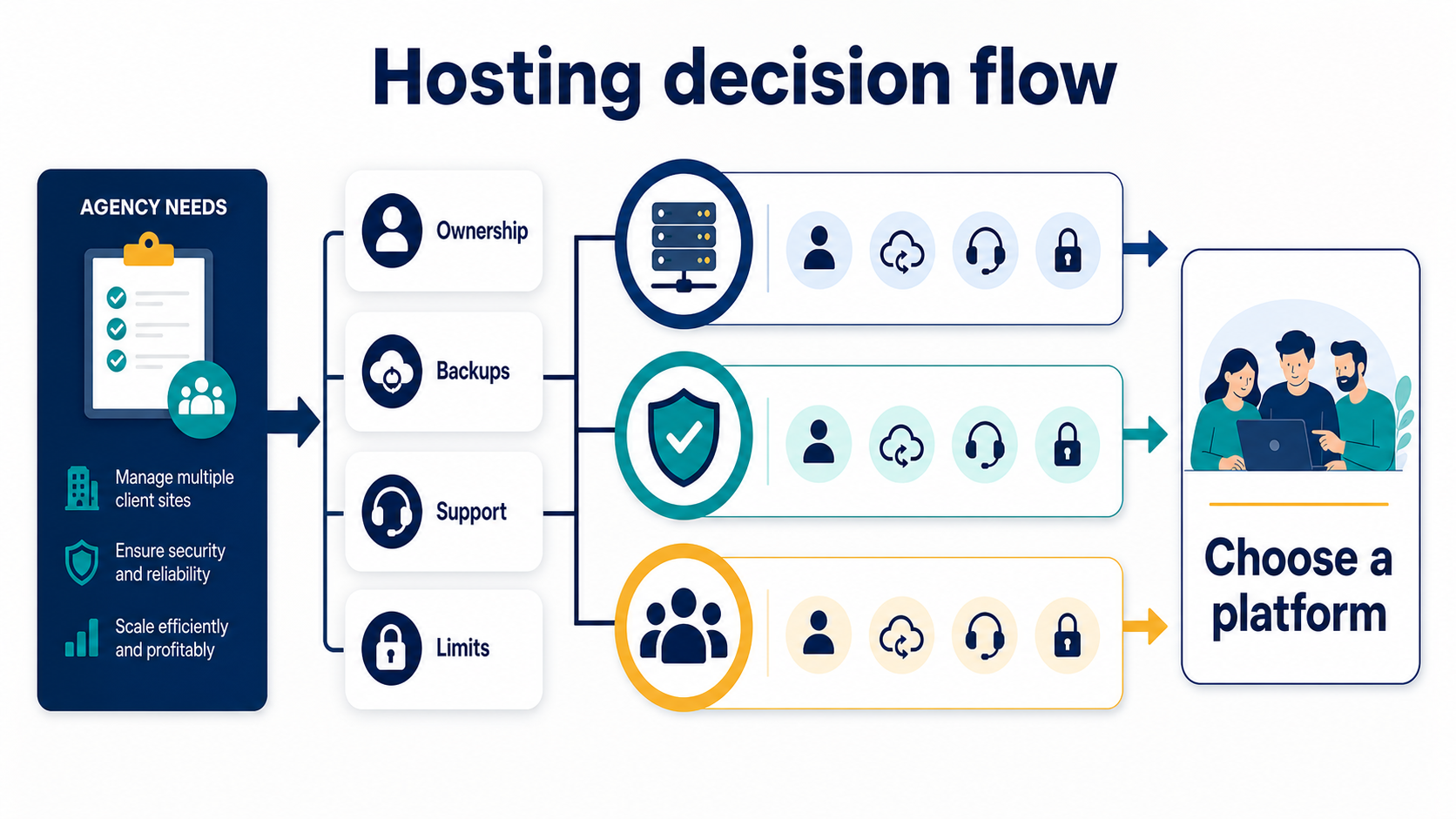
- Choose by operating responsibility, not by the lowest monthly number.
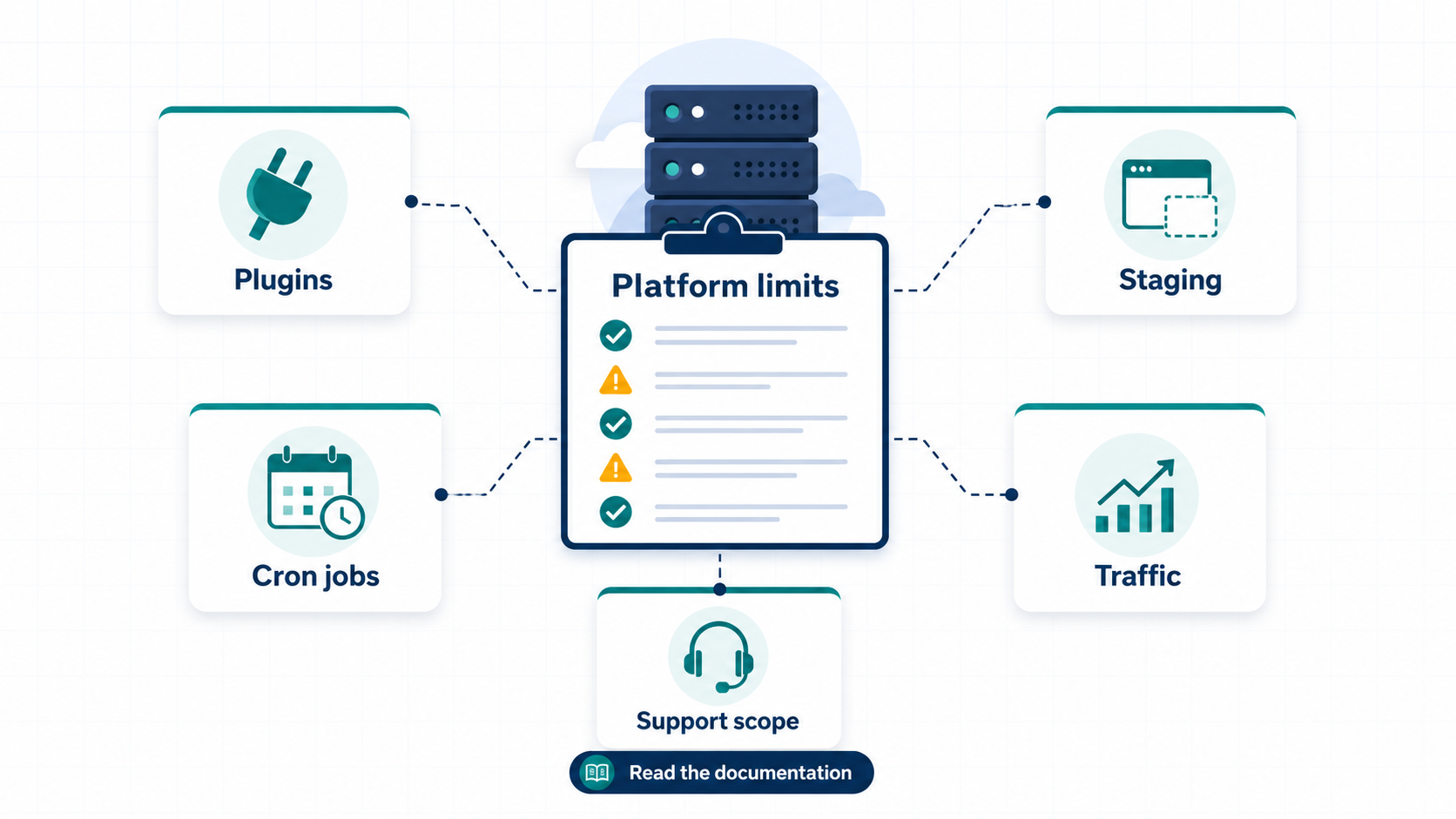
- Confirm how staging, backups, restores, updates, and support work in writing.
- Keep the old environment available until the public migration readback passes.
Who each option is for
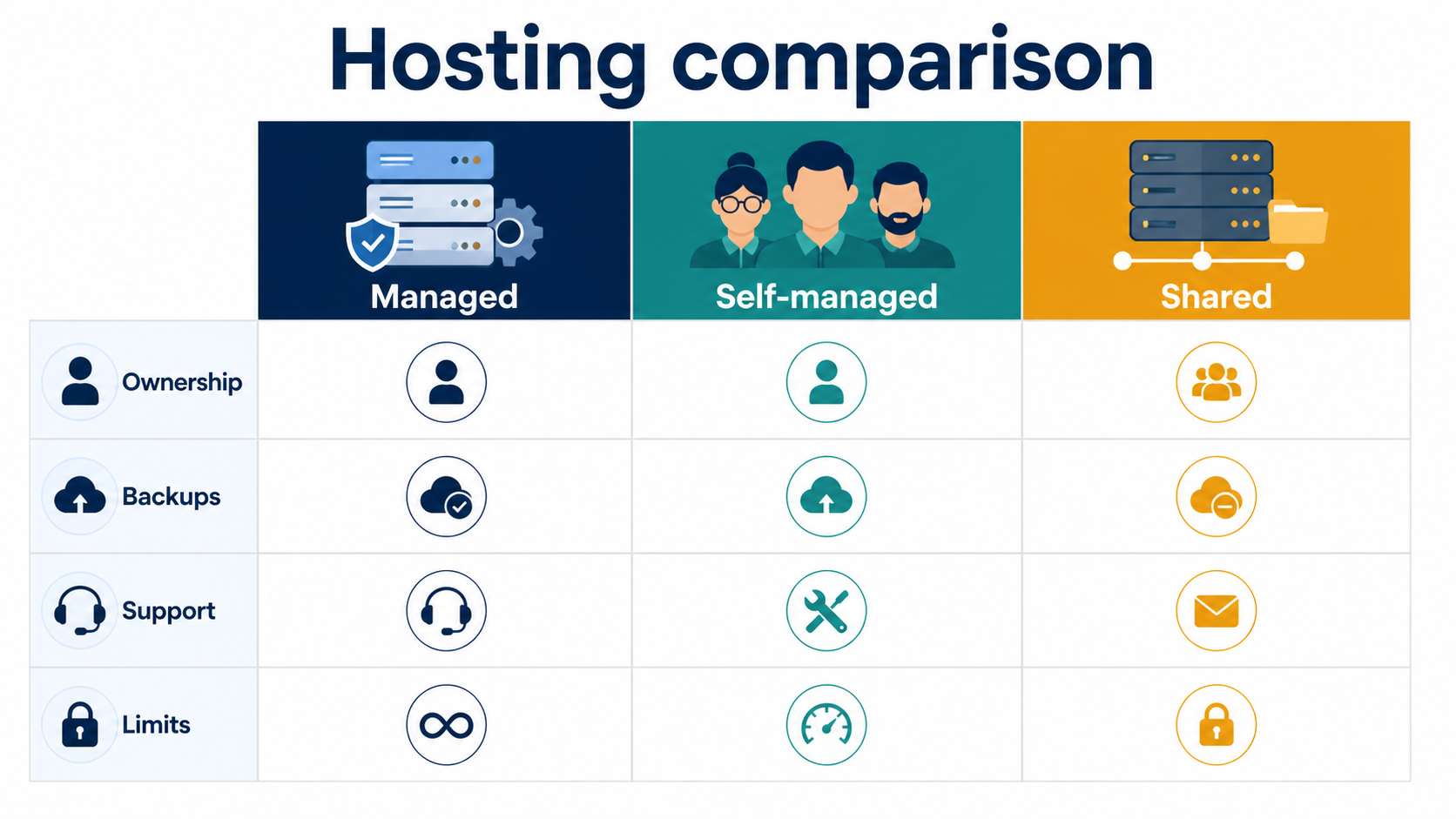
| Model | Good fit | Question to answer |
|---|---|---|
| Managed WordPress | Teams that want a defined WordPress platform | Which limits and support boundaries apply? |
| Self-managed VPS | Teams with patching, monitoring, backup, and incident ownership | Who is on call when the site fails? |
| Shared hosting | Simple, low-risk sites with modest traffic | What happens when resources are shared? |
Comparison checklist
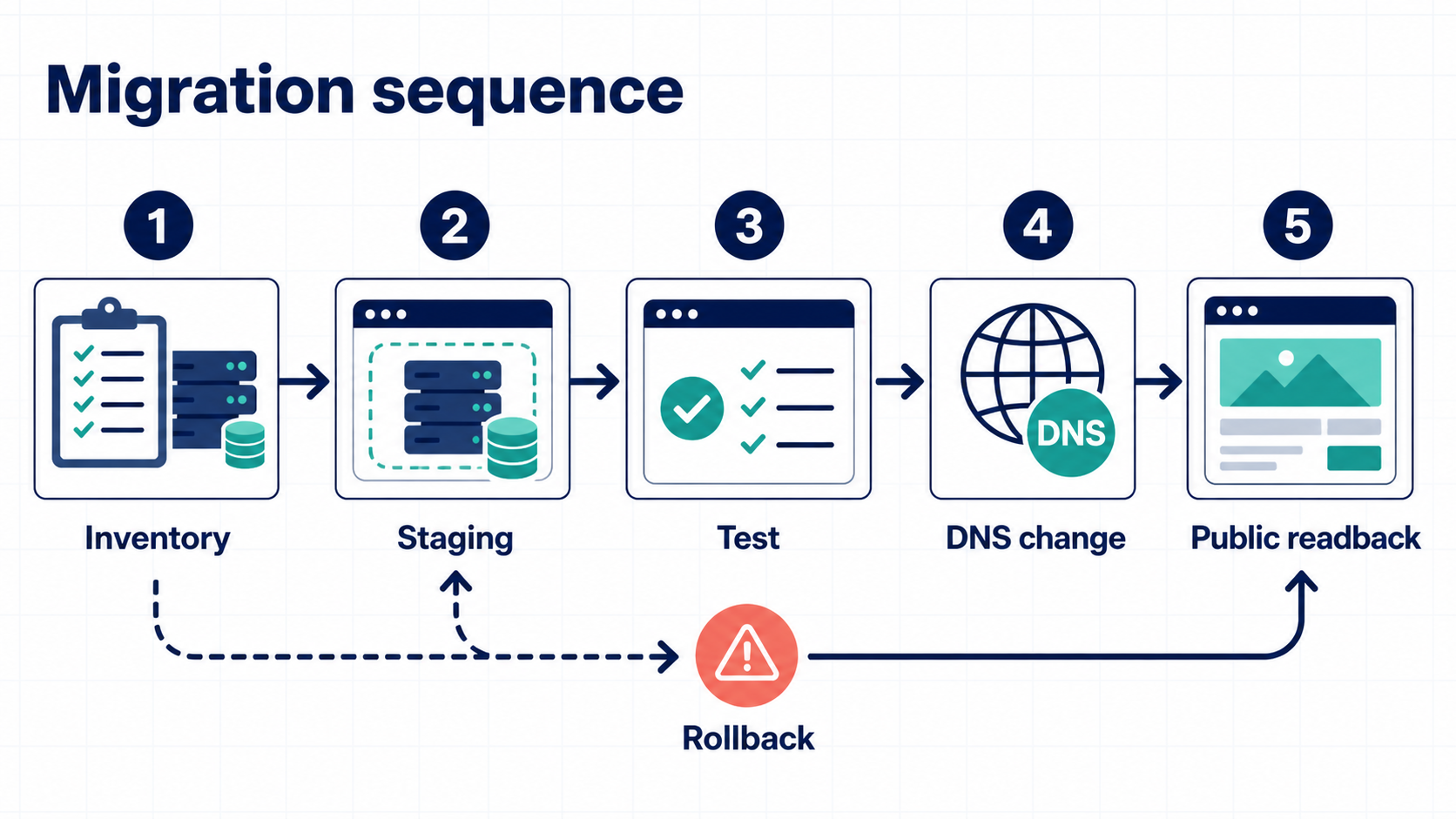
| Area | Evidence to collect | Decision signal |
|---|---|---|
| Staging | Clone, test, and promotion steps | Can the team test without guessing? |
| Backups | Retention and a tested restore | Can a restore be completed? |
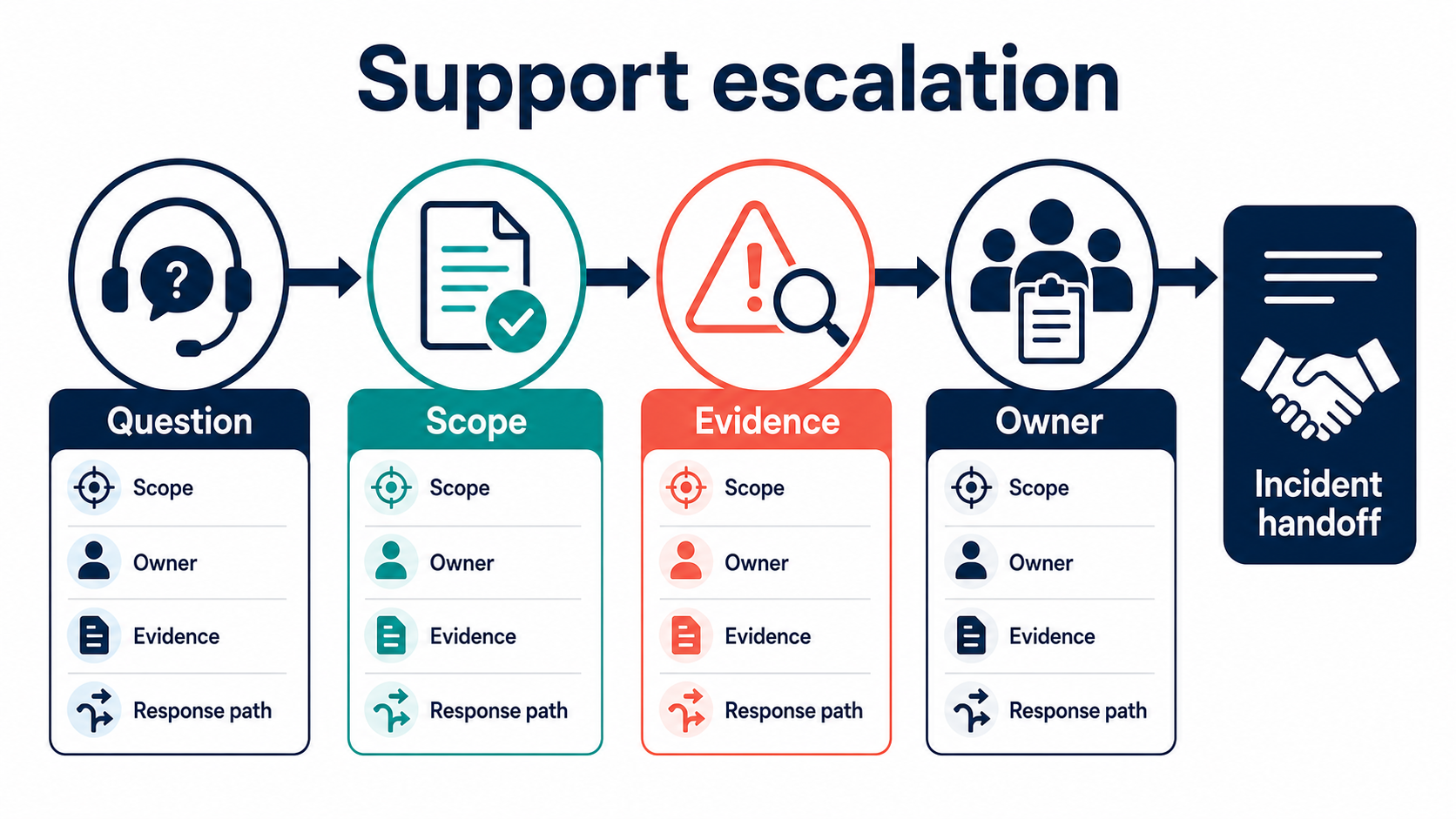
| Support | Scope, hours, escalation path | Who handles the next incident? |
| Migration | Redirect, media, form, and DNS checklist | Can the public result be read back? |
Implementation sequence
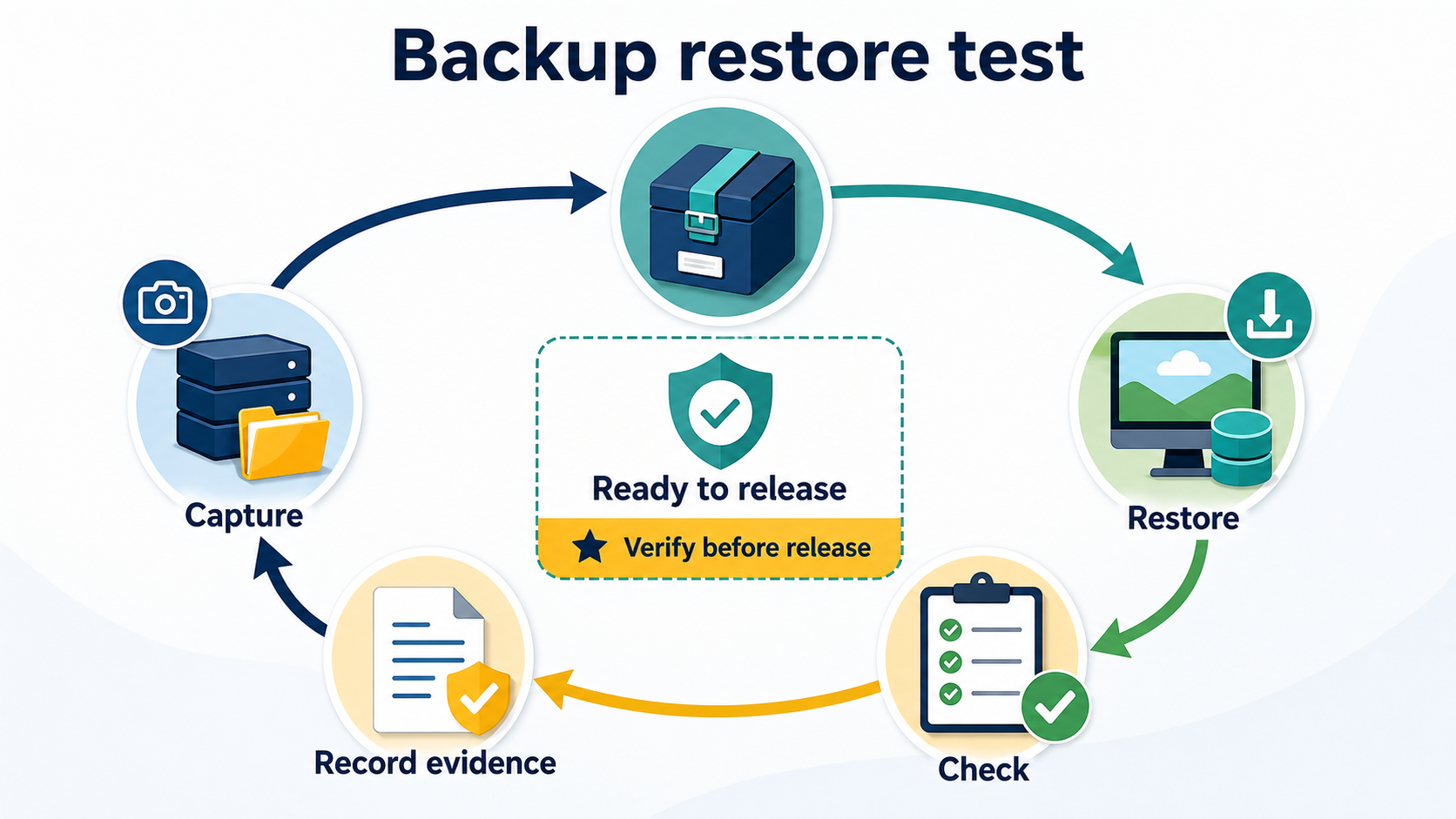
- Inventory URLs, redirects, media, forms, plugins, analytics, and scheduled jobs.
- Build a staging copy and record versions and differences.
- Test the highest-value user journeys and document rollback.
- Change DNS only after the owner and migration window are clear.
- Keep the previous host until public URLs, images, forms, and measurement pass.
For the operational detail, see our migration rollback checklist and maintenance-window planning guide.
FAQ
Is managed hosting always faster?
No. Performance depends on the workload, configuration, assets, and platform. Treat a benchmark as evidence for one workload, not a universal promise.
Should an agency use one host for every client?
A standard platform can reduce variation, but document exceptions when a client needs another model.
What should be checked after migration?
Check the home page, key pages, forms, login, redirects, media, sitemap, analytics, and rollback evidence.
Sources
Leave a Reply